
Certainly! Here’s a comparison between Chromebooks and traditional laptops:
- Operating System:
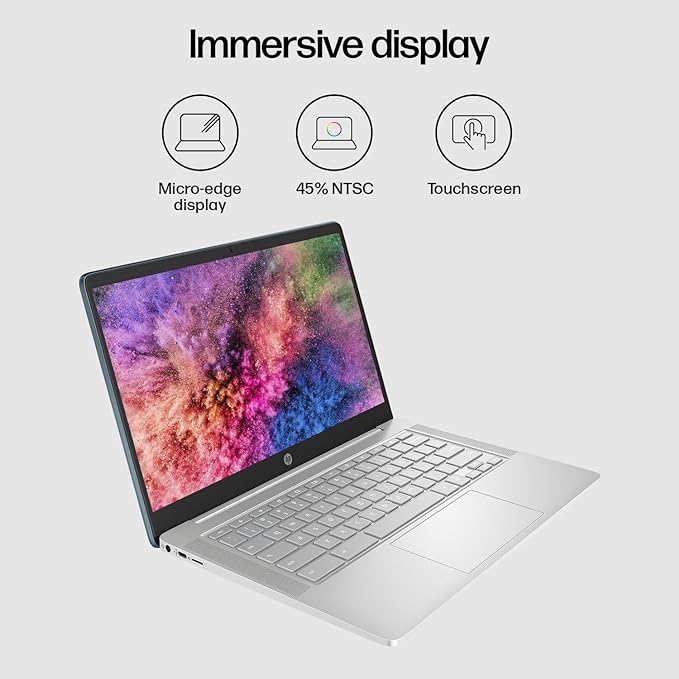
- Chromebook: Runs on Chrome OS, which is a lightweight operating system developed by Google based on the Linux kernel. It primarily relies on web applications and cloud-based services.
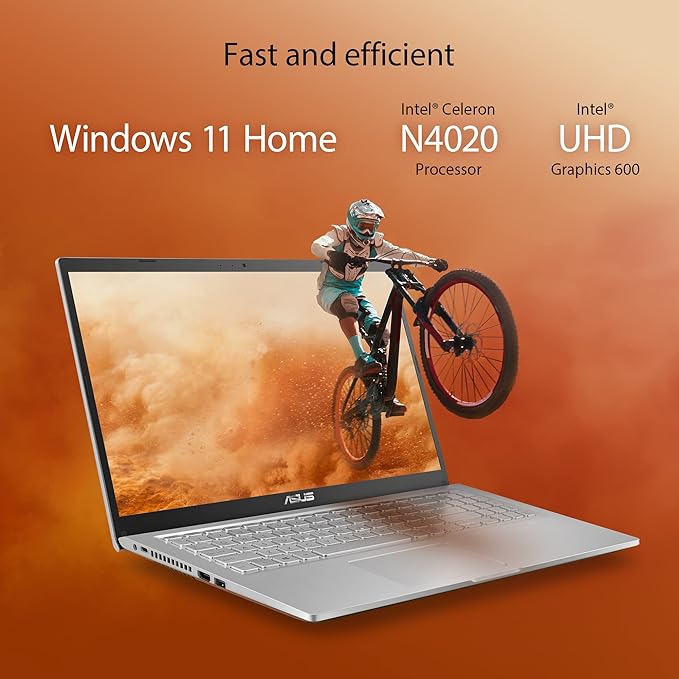
- Laptop: Can run various operating systems such as Windows, macOS, or Linux, offering more versatility in software compatibility and customization.
- Hardware:
- Chromebook: Typically comes with lower-end hardware configurations such as slower processors, less RAM, and smaller storage capacities. However, they are optimized for the lightweight Chrome OS.
- Laptop: Offers a wider range of hardware options including faster processors, more RAM, larger storage capacities, dedicated graphics cards, etc., catering to diverse user needs.
- Software Compatibility:
- Chromebook: Primarily designed for web browsing and utilizing cloud-based applications. It can run Android apps from the Google Play Store, but its software compatibility is limited compared to traditional laptops.
- Laptop: Compatible with a vast array of software including productivity suites, design tools, gaming applications, and more. Users have greater flexibility in installing and running various software packages.
- Performance:
- Chromebook: Generally boots up quickly and operates smoothly for web-based tasks such as browsing, email, and document editing. However, it may struggle with resource-intensive applications or multitasking.
- Laptop: Offers higher performance capabilities, especially with more powerful processors and dedicated graphics cards. It can handle demanding tasks like video editing, gaming, and software development more effectively.
- Price:
- Chromebook: Generally more affordable than traditional laptops due to their simpler hardware and reliance on cloud services. They are often preferred by budget-conscious users or in educational settings.Laptop: Comes in a wide price range depending on specifications and brand. Higher-end laptops with advanced features can be considerably more expensive than Chromebooks.
- Portability:
- Chromebook: Typically lightweight and compact, making them highly portable and suitable for users who need a device for on-the-go productivity or studying.
- Laptop: While some laptops are also lightweight and portable, others may be bulkier and heavier due to more robust hardware components. However, laptops often offer more connectivity options and features like DVD drives, additional ports, etc.
- Customization:
- Chromebook: Limited customization options compared to traditional laptops. Chrome OS has a simple interface with fewer settings to tweak, making it more user-friendly for less tech-savvy individuals.
- Laptop: Offers extensive customization options including changing operating systems, upgrading hardware components like RAM or storage, and installing various software packages according to user preferences.
In summary, Chromebooks are ideal for users who prioritize affordability, portability, and simplicity, primarily needing a device for web browsing and basic productivity tasks. On the other hand, traditional laptops provide greater versatility, performance, and software compatibility, catering to a wider range of user needs including gaming, content creation, and professional work.Performance:Chromebook: Generally boots up quickly and operates smoothly for web-based tasks such as browsing, email, and document editing. However, it may struggle with resource-intensive applications or multitasking.Laptop: Offers higher performance capabilities, especially with more powerful processors and dedicated graphics cards. It can handle demanding tasks like video editing, gaming, and software development more effectively.